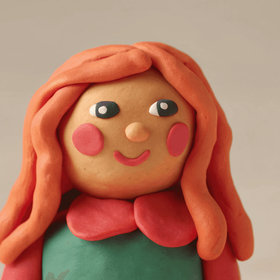
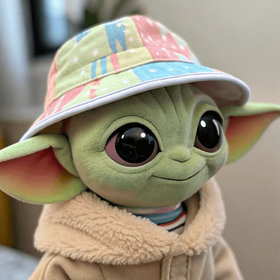
One photo. Every angle.
Upload a single image and generate it from any camera perspective. Control horizontal rotation, vertical tilt, and zoom with precision sliders or intuitive 3D drag — powered by Qwen multi-view synthesis.
360°
Full Rotation
3-Axis
Camera Control
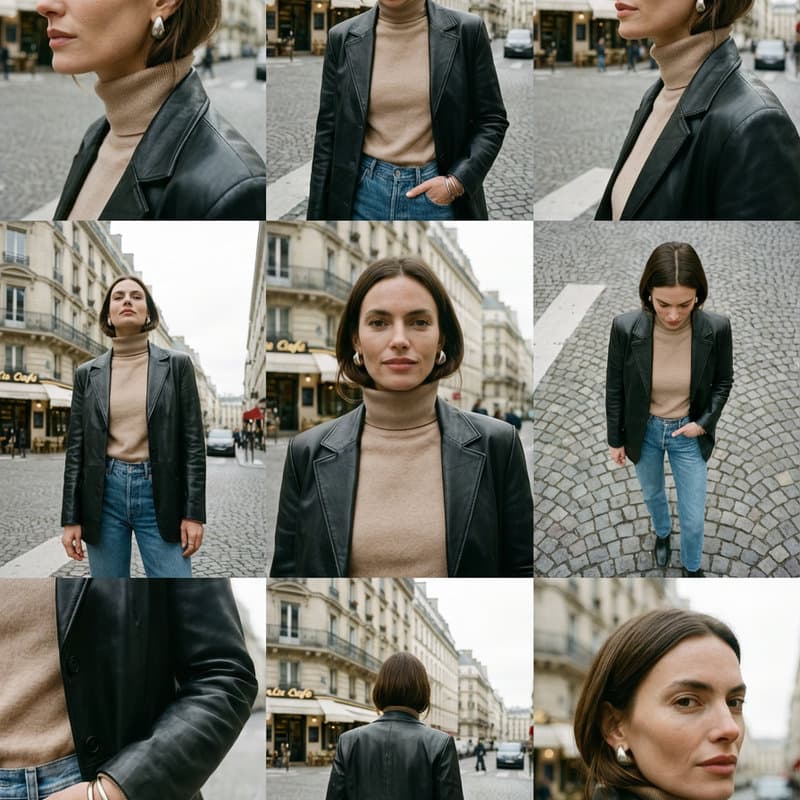
Input
1
photo
Output
9+
angles
Same subject. Every perspective.
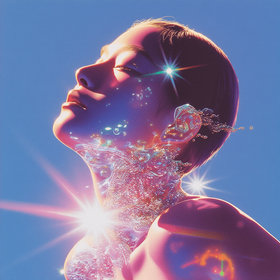
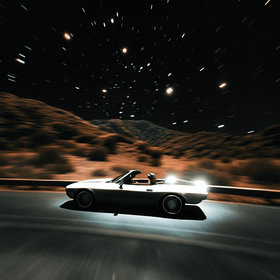
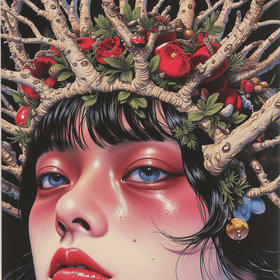
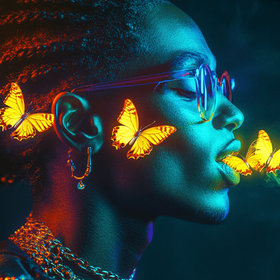
Each image below was generated from a single input photo using different angle settings in the Angle Control atom.
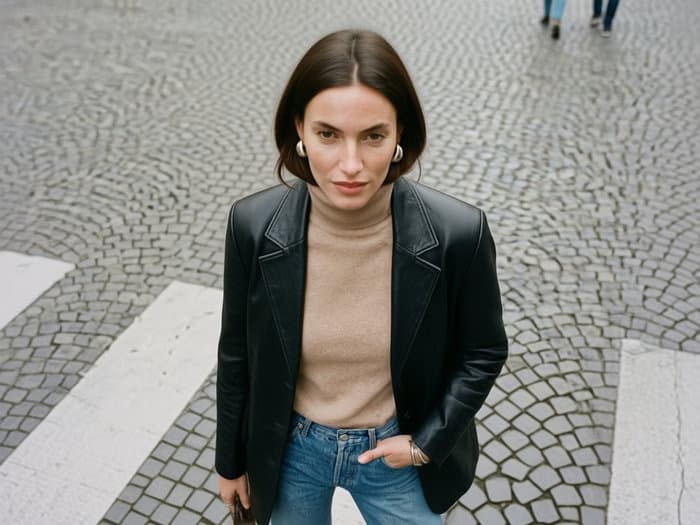
Top-Down View
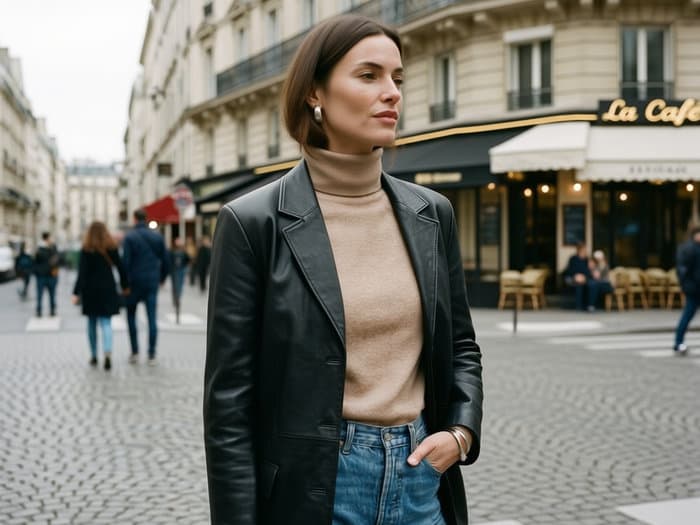
Left → Right Sweep
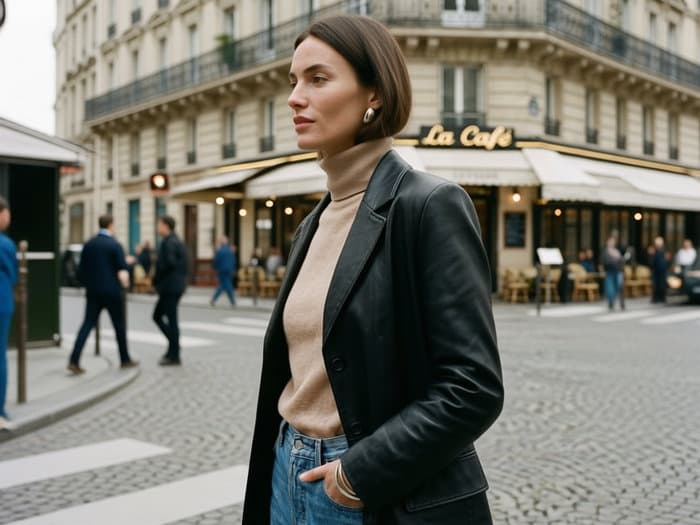
Right → Left Sweep
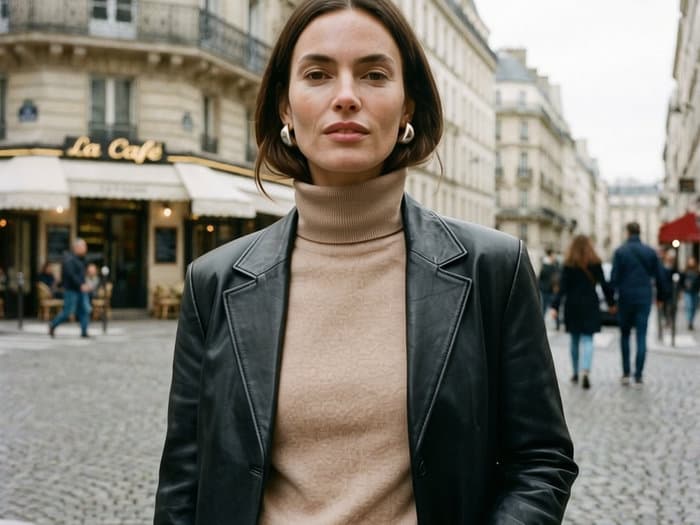
Low-Angle Close-Up
Try the 3D camera control
This is the same interactive preview built into the Angle Control atom on the OpenCreator canvas. Drag to orbit the virtual camera around the subject, scroll to zoom, or use the precision sliders below.
- ↻Drag anywhere on the preview to orbit the camera horizontally and vertically
- ⇕Scroll up/down to zoom in and out, adjusting the focal distance
- ≡Use the sliders for precise numeric control over each axis
How it works
Three steps from a single photo to a complete multi-angle image set
Upload your image
Drop any product photo, portrait, or object into the Angle Control node on the OpenCreator canvas.
Set your camera angle
Drag the 3D camera preview to orbit around your subject, or fine-tune with horizontal rotation, vertical tilt, and zoom sliders.
Generate & iterate
Hit generate to produce the new viewpoint. Chain multiple Angle Control nodes to create a complete multi-angle set in one workflow.
Precise camera control
Every parameter you need to nail the perfect angle
360° Horizontal Rotation
Rotate the virtual camera freely around your subject from 0° to 360°. Front, side, back, three-quarter — any azimuth you need.
Vertical Tilt (−30° to 90°)
Control elevation from slightly below eye-level up to directly overhead. Perfect for top-down flat-lays or dramatic low angles.
Continuous Zoom
Adjust focal distance from wide establishing shots to tight close-ups without cropping or quality loss. 10 zoom levels.
Interactive 3D Preview
Drag to orbit, scroll to zoom — a real-time wireframe globe shows your camera position relative to the subject before generation.
Workflow Integration
Chain the Angle Control atom with Background Swap, Image Upscale, Image-to-Video, or any other atom to build end-to-end creative pipelines.
Batch Multi-Angle Sets
Connect multiple Angle Control nodes to a single source image to produce a complete product image set — front, side, back, detail — in one run.
Use cases
From e-commerce catalogs to creative production
E-Commerce Product Photography
Generate front, side, back, and detail views for product listings without multi-angle studio shoots.
Fashion & Lookbooks
Show garments from every perspective — front, three-quarter, back view — without coordinating additional model shoots.
Marketplace Compliance
Produce the exact angle variants that Amazon, Shopify, and Etsy require for product galleries.
Creative & Concept Art
Approximate multi-view renders for concept art, game assets, or 3D modeling reference without a 3D pipeline.
Related Solutions
Explore more AI-powered visual workflows
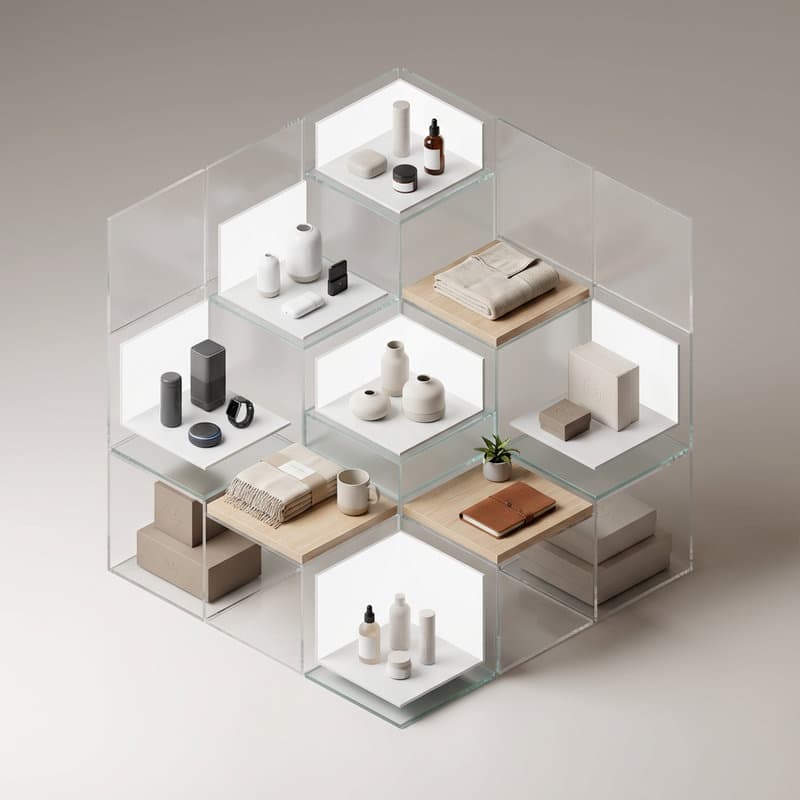
Ecommerce Product Images
Product photos for marketplaces and DTC stores

AI Fashion & Try-On
AI models, virtual try-on, and fashion campaigns
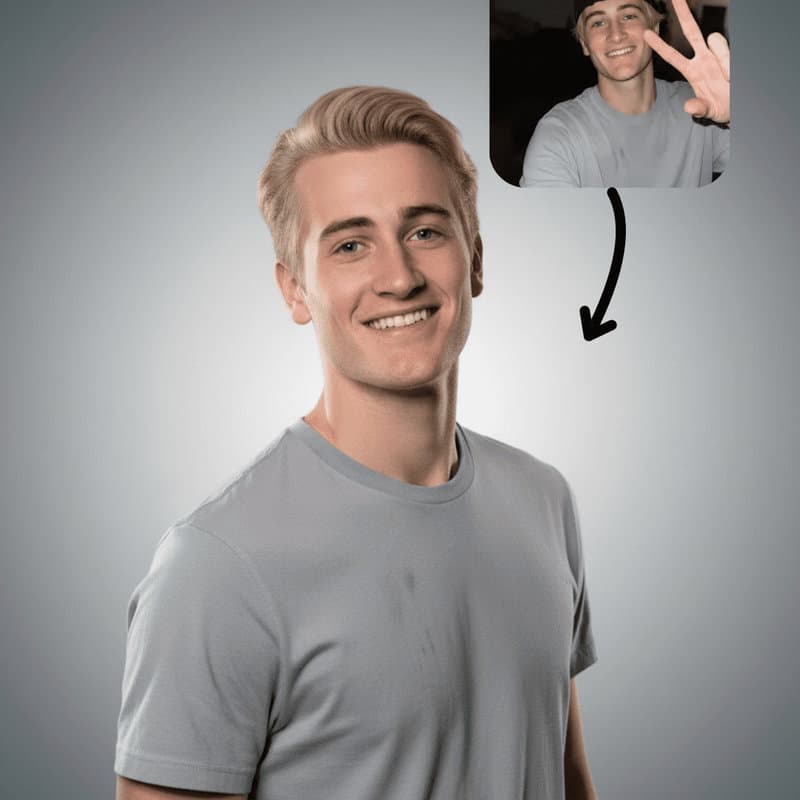
AI Portrait & Headshot
Headshots, avatars, and portrait content

AI Video
Text to video, image to video, and effects

AI Design
Image editing, 3D, and creative tools